TradingView vs. Coinalyze vs. EdgeLedger: Which Analytics Platform Do You Need?
Charting, on-chain data, and trade journaling serve different purposes. We break down when to use each tool and how they complement each other.
Different Tools for Different Jobs
Comparing TradingView, Coinalyze, and EdgeLedger head-to-head isn't quite fair — they solve different problems. But many traders waste money subscribing to all three without understanding where each excels. Here's the clarity you need.
TradingView: The Charting King
TradingView is the industry standard for chart analysis. Its strengths:
- 500+ built-in indicators and a Pine Script language for custom ones
- Multi-asset charting (crypto, stocks, forex, commodities)
- Social features with published ideas and community scripts
- Real-time alerts across multiple conditions
Weakness: No trade journaling. No P&L tracking. You can draw on charts all day, but TradingView won't tell you if your strategy actually makes money.
Coinalyze: The On-Chain Specialist
Coinalyze focuses on derivatives and on-chain data:
- Open interest, funding rates, and liquidation data
- Aggregated data across exchanges
- Long/short ratios and whale position tracking
Weakness: Limited charting capabilities. No trade logging. Best used as a supplementary data source, not a primary platform.
EdgeLedger: The Performance Engine
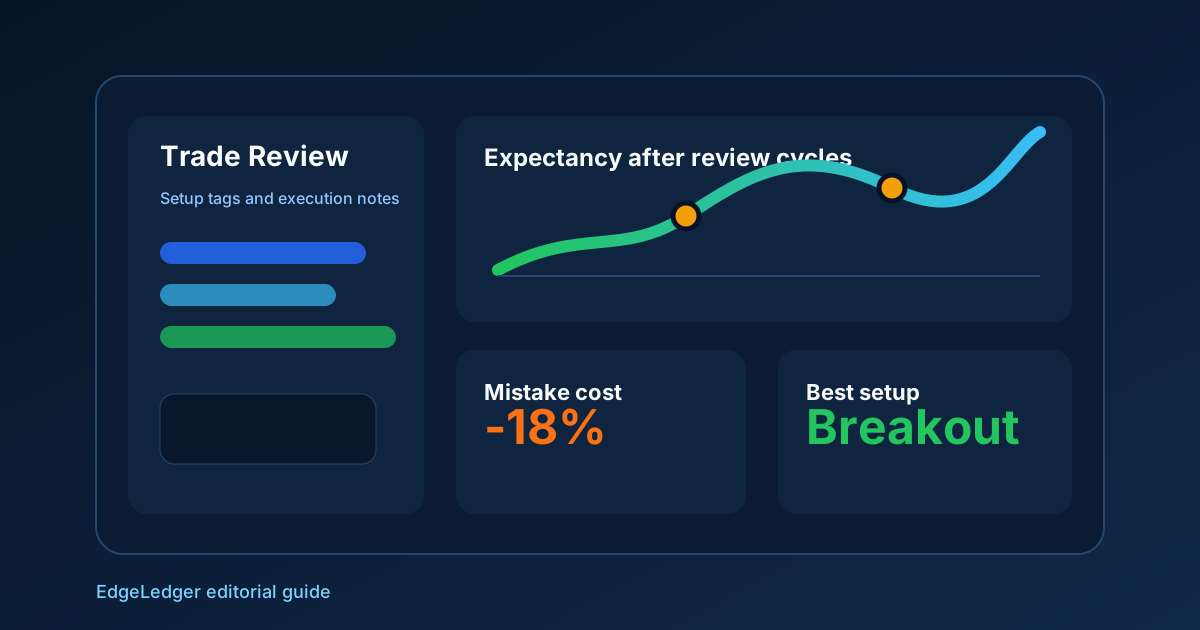
EdgeLedger focuses on what happens after you take a trade:
- Automatic trade sync from major exchanges
- P&L analytics, drawdown curves, and win rate by setup type
- AI-powered trade insights that spot patterns in your behavior
- Strategy backtesting against your own historical trades
Weakness: Not a charting platform. Pair it with TradingView for chart analysis.
The Optimal Stack
Use TradingView for analysis and alerts, Coinalyze for market sentiment data, and EdgeLedger to track your actual performance. This combination covers the full trading workflow: analyze → trade → review → improve.
Total Cost of Ownership Comparison
Headline subscription prices undersell the real cost. TradingView Premium runs about $60 per month for one indicator slot per chart and unlimited alerts. Coinalyze Premium adds another $20–40 depending on tier. EdgeLedger's paid plans cover the journal and analytics layer separately. Running all three for a year costs around $1,000 — meaningful, but trivial compared to a single avoidable revenge-trading session.
If you have to drop one, drop the data source you check least often. Most active crypto traders use the chart and the journal every day and dip into derivatives data only around major events. Subscribe annually only after you have used the tool consistently for two months on the free or trial tier.
A Workflow That Uses All Three
The point is not which platform wins; it is how they hand off to each other. A realistic daily workflow looks like this: pre-market, scan macro flow and funding extremes in Coinalyze; chart-time, mark setups and alerts in TradingView; intraday, execute on your exchange and let EdgeLedger sync the fills; post-session, review on EdgeLedger and update setup tags. None of the three platforms is good at all four jobs, and trying to force one to be is the most common money-leaking habit among traders subscribing to multiple tools.
When Single-Platform Setups Make Sense
Some traders genuinely do not need all three. Spot-only swing traders with one weekly review session can survive on TradingView plus a spreadsheet. High-frequency derivative scalpers may rely on Coinalyze plus a custom Python pipeline and skip TradingView entirely. Use the three-platform stack when your trading mixes time horizons or asset classes, and pare back when it does not.